Rowing Training Session Builder
This tool is designed for athletes who train on their own, self-coached crews, and the majority of club and masters rowers who still want structured, purposeful training without needing a full-time coaching setup. It’s also a useful support tool for coaches looking to speed up session design and strengthen their weekly planning and periodisation.
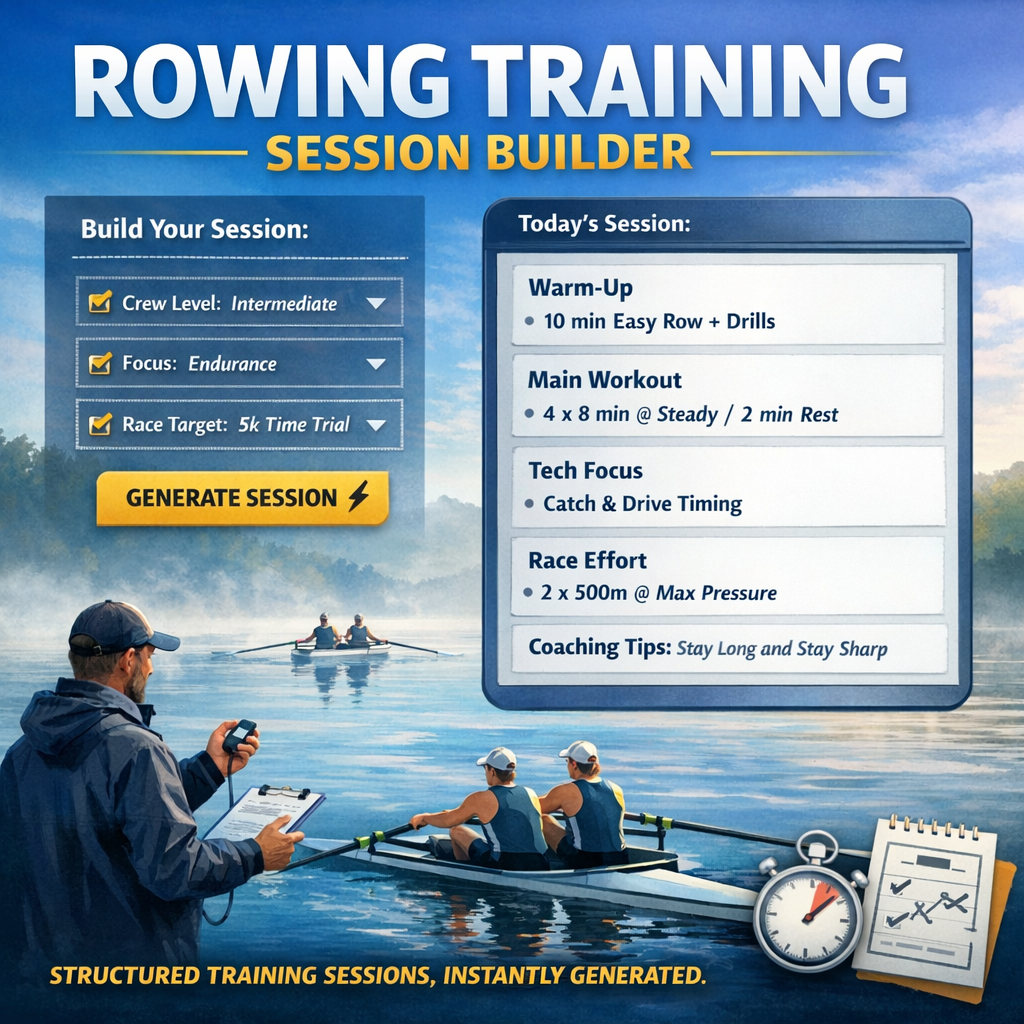
It came out of a simple frustration — spending too much time building rowing sessions from scratch when the structure is often similar, but the details need to change depending on the crew, the training phase, and the racing goal.
Over time, I started refining a consistent approach to session design that works across different levels of rowing. This tool is the result of that process — a way to quickly generate structured, practical training sessions that still feel like they’ve been properly coached, not randomly assembled.
Each session is built around your crew’s level, training focus, and race target. It follows a clear coaching structure: warm-up, main set, technical focus points, optional race or pressure work, and coaching insights to support execution on the water. Everything is designed to reflect real rowing environments, not generic fitness programming.
The aim is not to replace coaching judgement, but to provide a strong, practical starting point that can be used immediately and adapted where needed. Whether you’re working on technical development, aerobic conditioning, or race preparation, the sessions are built to slot directly into real training programs.
You simply select your crew details, training focus, and race target, and it generates a complete session ready to use or refine.
This is very much the beginning of a wider system — one that will continue to develop into full training programs built around periodisation, target goals, and longer-term planning. The intention is to expand this into a much more complete coaching tool over time, with far more depth and flexibility built in.
Feedback is always welcome as it evolves.
Start by selecting your inputs below and generate your session.
Have a question about your generated session or training program?
Paste part of the session, describe your crew, or ask any rowing-related question and my coaching assistant will help explain, adapt, or improve the training.